Download
How to update the kernel?
By using the TF card reader, connect your TF card with computer, open the file.
a. Upload game kernel: Copy the R4.DAT file to your TF card.
b. Upload video kernel: Copy the Moonshl2 to your TF card.
c. Upload DIY Interface function: Copy the R4iMenu to your TF card.

Hot to update AR cheat data base?
Upload the newest AR cheat data base, then copy the "usrcheat.dat" file to"R4iMenu" file.

English kernel download instruction.
kernel Update
It is updated to V1.20b on Apr 6,2010
It is updated to V1.19b on Mar 30,2010
It is updated to V1.18b on Mar 19,2010
It is updated to V1.17b on Feb 20,2010
It is updated to V1.16b on Feb 4,2010
It is updated to V1.15b on Jan 15,2010
It is updated to V1.14b on Dec 18, 2009
Wi-Fi Engine Update
It is updeted V1.02 on 6/1/2010
It is updeted V1.01 on 18/12/2009


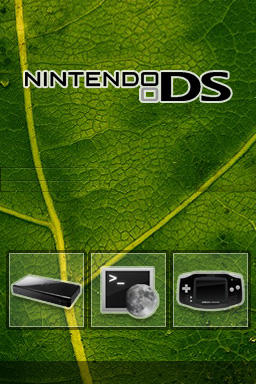
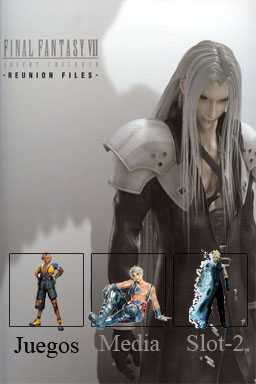
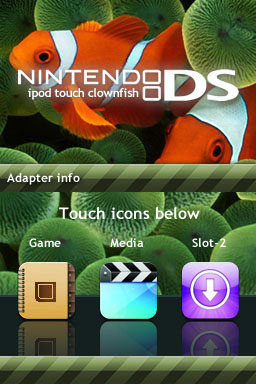
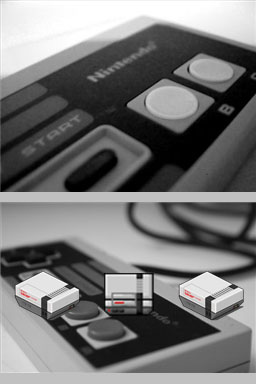
Change skin/theme::
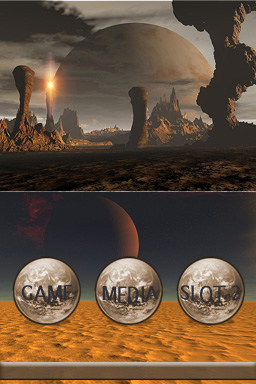
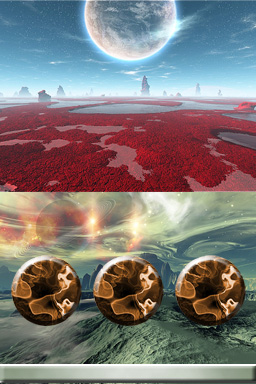
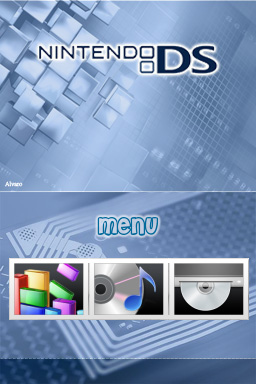
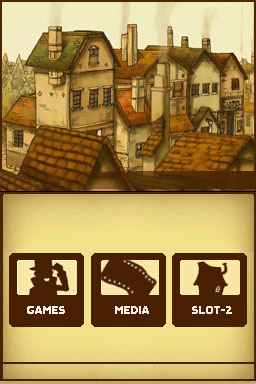
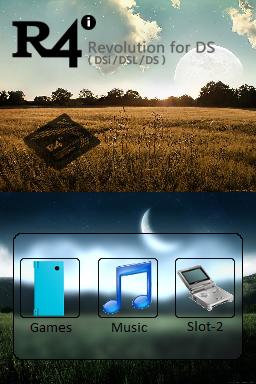
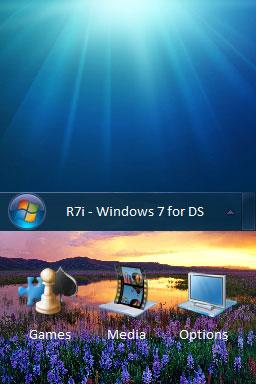
Download skins/theme from official R4i-SDHC web site. Decompress and copy it to the TF card (SD card) "R4i/Menu\skin" folder. Maximum allow skins/themes was up to 8. After power on the NSDI/NDSL switch to the setting mode (most right button) to configure and select skins / themes setting. There is a file call "color.ini" which locate at the skin/thems folder, you can use it to manually customize the skin/themes setting. For the detail description please refer to the "English kernel download instruction" from R4i-SDHC web site.

  R4i-SDHC Skin Download
 
R4i-SDHC.com Copyright(C) 2007-2009   
Site Meter